
1. Right-click on the OneDrive icon in the System Tray (bottom right corner of the screen)
2. Click on Settings, then click Unlink this PC, and confirm the action
3. Restart OneDrive and sign in again with your Microsoft account
4. OneDrive will start syncing the selected folders immediately
Source: Microsoft Community Answer
2. Click on Settings, then click Unlink this PC, and confirm the action
3. Restart OneDrive and sign in again with your Microsoft account
4. OneDrive will start syncing the selected folders immediately
Source: Microsoft Community Answer
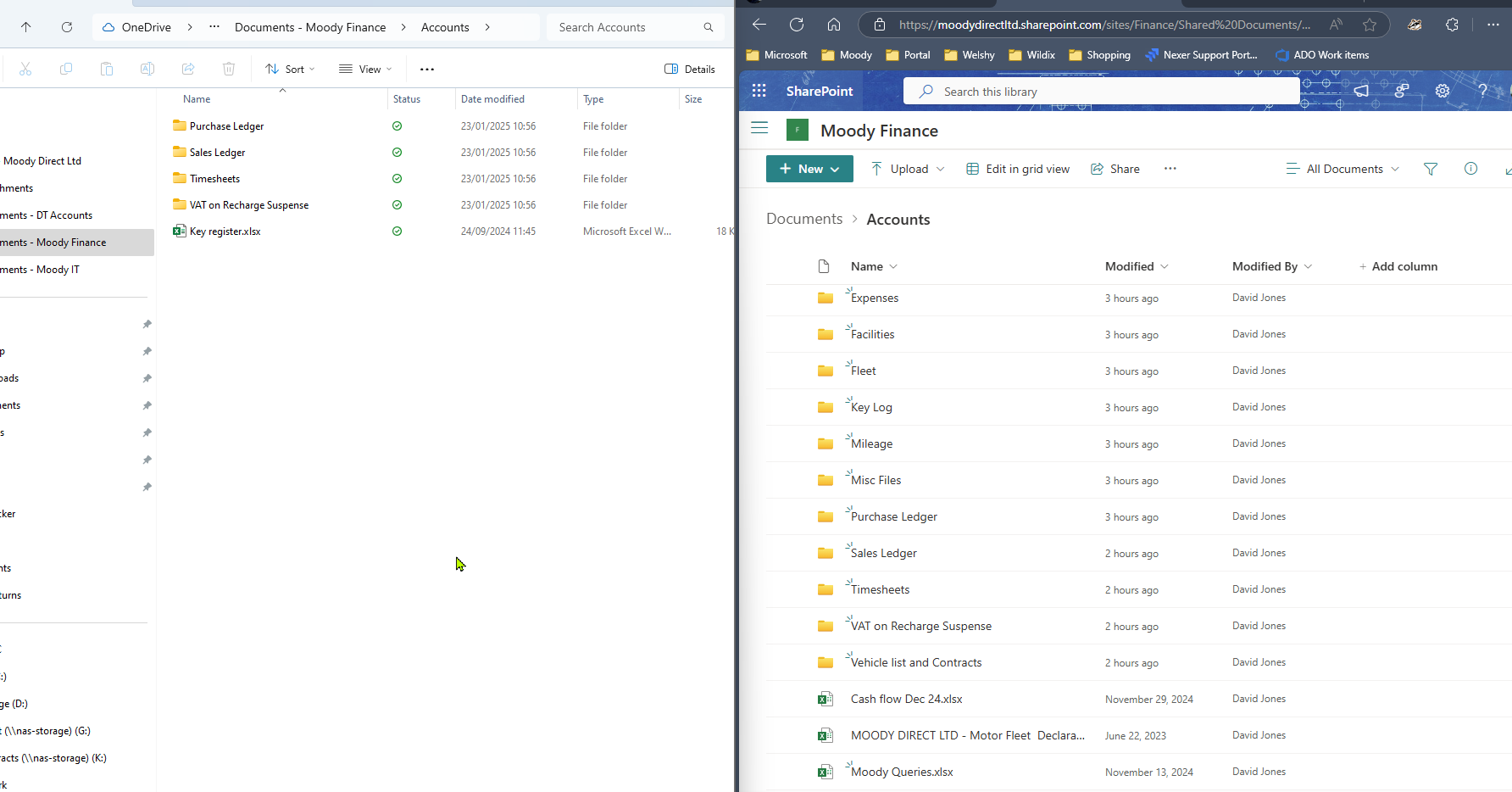
OneDrive Sync Differences